

Meet the new and improved Premium Plan.
Continue Reading

5 Photos You Should Have in Your Photo Gallery
Your photo gallery serves as a window into your business.

3 Simple Ways to Elevate Your Photos
Explore three simple tricks to transform your photo gallery into a professional-grade portfolio.

5 StyleSeat Profile Tips to New Attract Clients
Get your profile ready for new clients!

6 StyleSeat Profiles That Stand Out and Leave a Lasting Impression
The right business profile can help you attract the new clients.
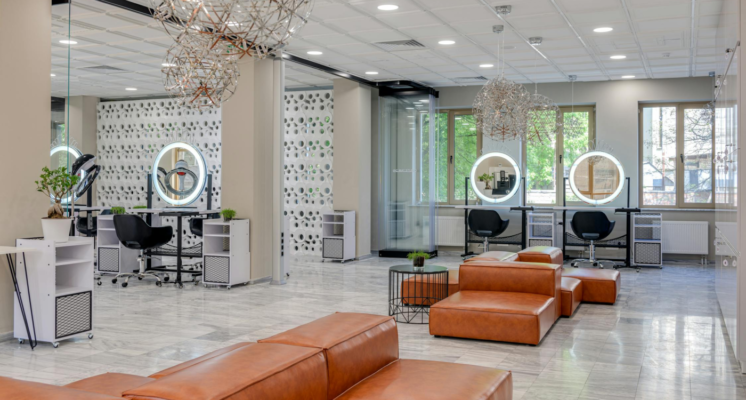
6 Spring Cleaning Tips for Your Salon and Barbershop
As the weather warms up and flowers start to bloom, it’s the perfect time to give your salon or barbershop a fresh start.